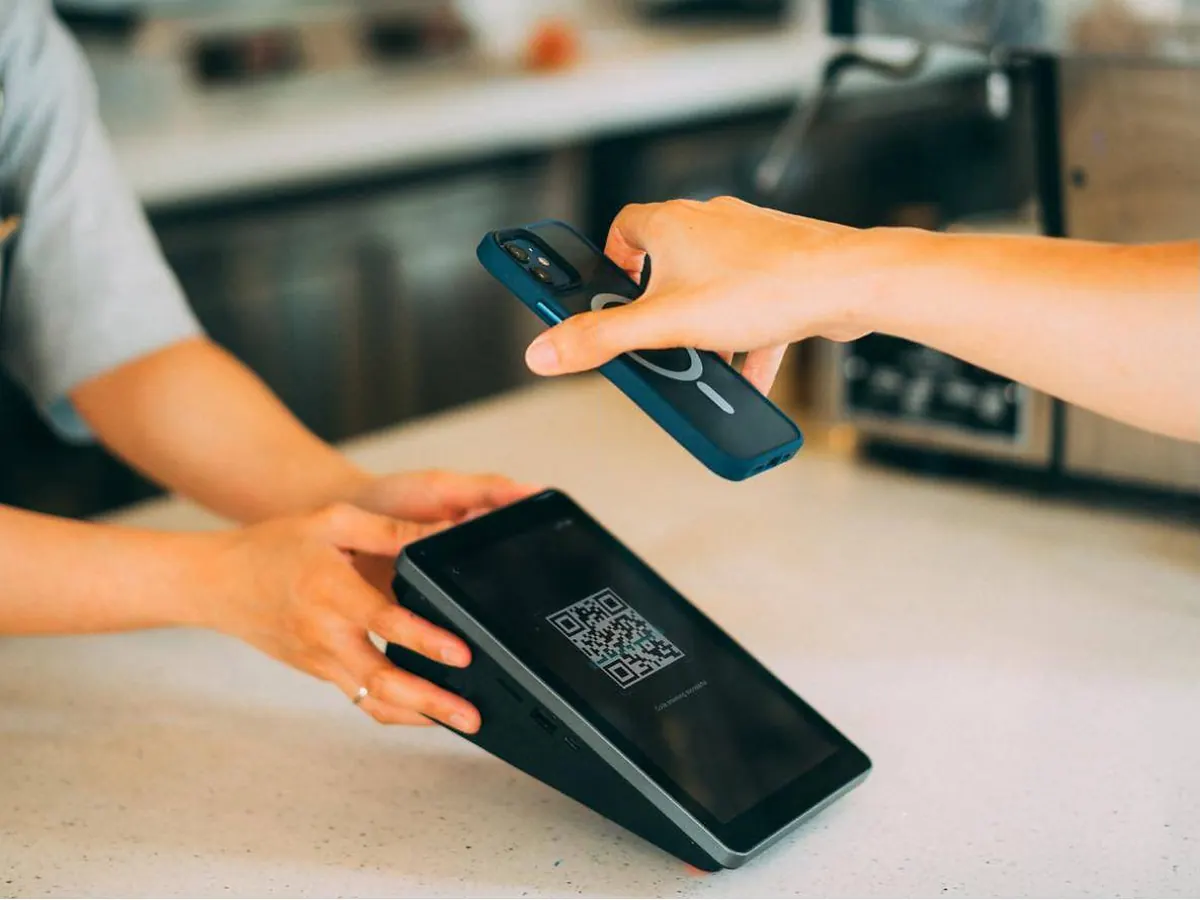
A QR code menu lets guests scan a code with their phone camera and see your menu instantly — no app download needed. The best ones go further and let guests order and pay from the table, which speeds up service and frees your team to focus on hospitality.
View-only menu vs. QR ordering
There are two kinds of QR menu:
- View-only: a digital version of your printed menu. Easy to update, but guests still wait for staff to take the order.
- Order and pay: guests add dishes to a cart, place the order and pay on their phone. The order goes straight to your kitchen with the table number.
For busy restaurants and cafés, ordering from the table usually makes the bigger difference.
What a good QR menu should include
- Fast loading on any phone, even on weak signal.
- Photos of your dishes — they help guests decide and often lead to bigger orders.
- Arabic and English (and other languages your guests speak).
- Modifiers and add-ons like sizes, sauces and extras.
- Apple Pay, Google Pay and card payments.
- Instant updates — mark a dish sold out or change a price in seconds.
Where to place your QR codes
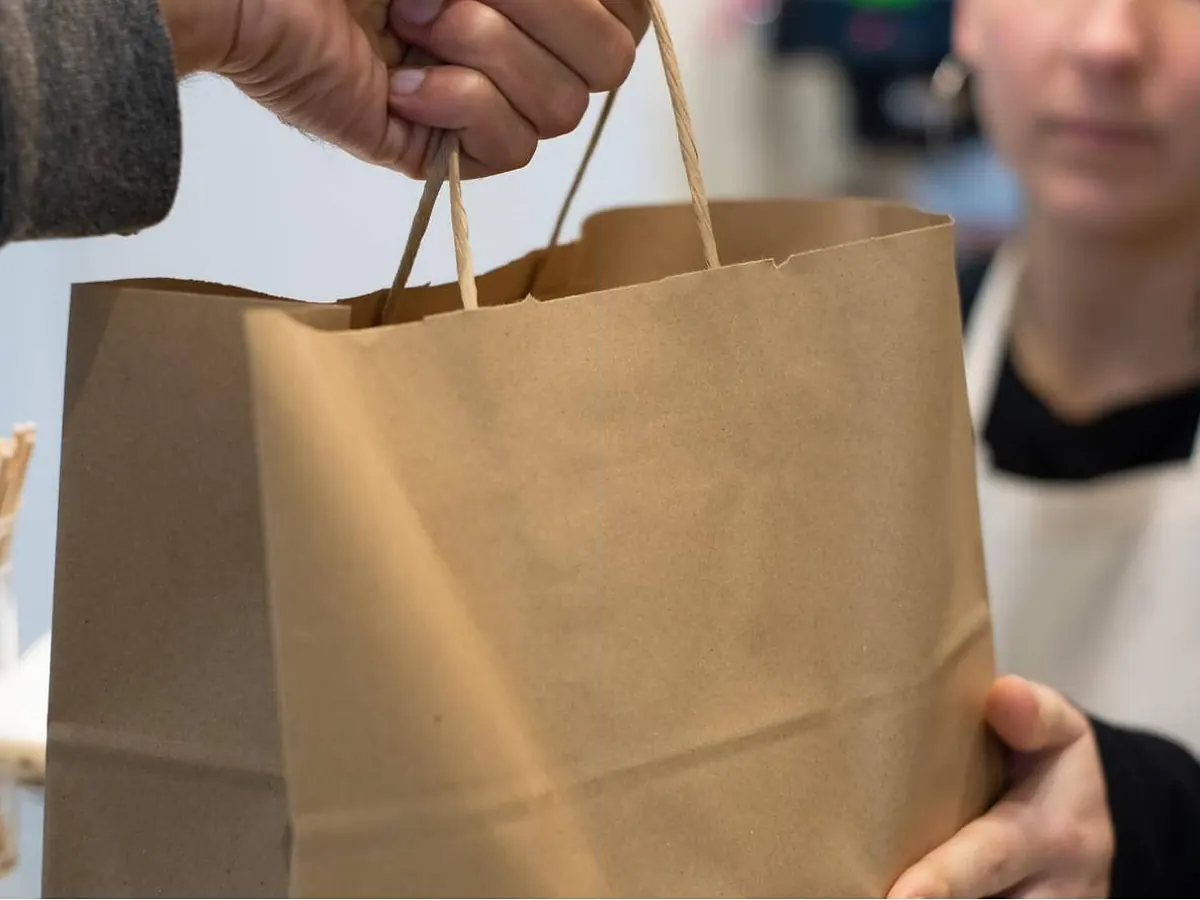
Put a code on every table, at the counter and on takeaway packaging. Use a short line of text such as "Scan to order & pay" so guests know exactly what to do.
Keep a few printed menus for guests who prefer them. QR menus work best as a convenient option, not the only one.
Will guests actually use it?
QR menus are widely familiar to diners in the UAE. Clear instructions, fast loading and good photos make the biggest difference to adoption.
Getting started
With Zapio Menu, your QR menu is part of the same system as your ordering website and app — one menu, updated everywhere. See how QR ordering works or book a free demo.